Every teacher knows the feeling. You’ve got the ideas. You know how to reach your students. And when a lesson clicks – when curiosity sparks and hands go up – it feels like everything comes together. EdTool helps you get there faster.
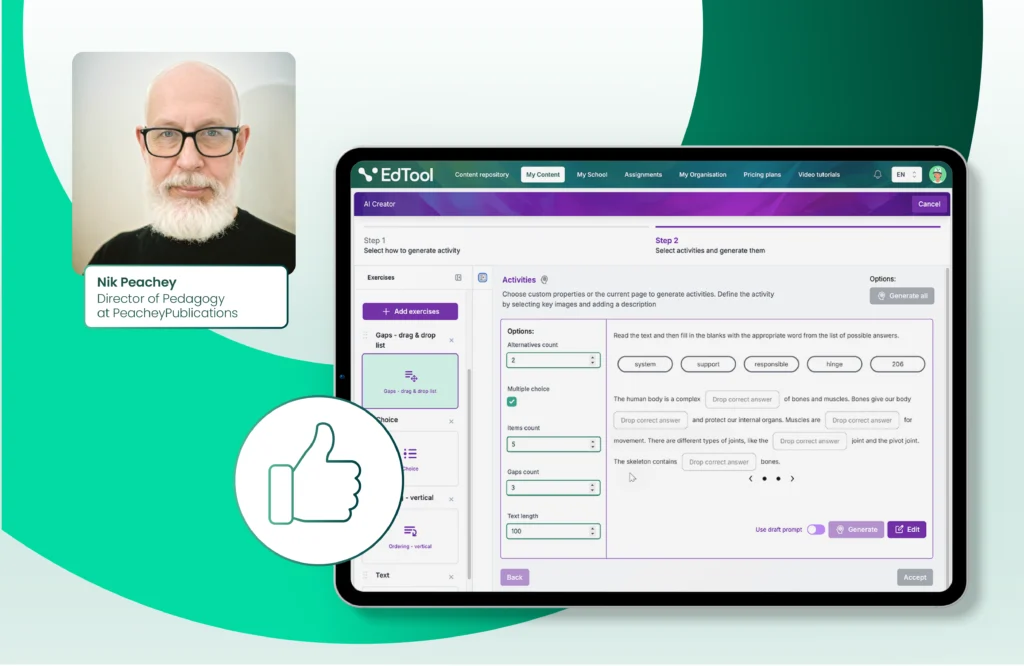
Nik Peachey, award-winning educator with over 30 years of experience, explored EdTool to see whether it truly supports teachers’ everyday needs. His conclusion is simple: it helps solve one of the biggest challenges in modern classrooms.
“One of the biggest challenges educators face today is finding the time and tools to create engaging digital content that works across various teaching contexts – from traditional classrooms to blended and fully online environments. What stood out to me about EdTool is how effectively it tackles that problem.”
Nik PeacheyDirector of Pedagogy, PeacheyPublications
Save Time Without Losing Control
Building interactive lessons from scratch often means hours of preparation. According to Peachey:
“What used to take days now takes minutes.”
Nik PeacheyDirector of Pedagogy, PeacheyPublications
You can upload your own text, add photos or even snap a picture of a page, and EdTool helps you turn it into a ready-to-use activity. You can also start from a topic prompt if you want a quick outline or idea generator. And when you’re short on time, the K-12 resource library gives you a head start.
Create Interactive Lessons That Students Enjoy
Many AI tools produce static materials that don’t take advantage of digital devices. EdTool offers more than that:
“Unlike many AI tools that just generate static worksheets or lesson plans, EdTool goes a step further by enabling the creation of genuinely interactive learning experiences. That’s especially valuable in device-rich classrooms or for students learning remotely.”
“What really sets EdTool apart is how thoughtfully it’s been designed with educators’ actual needs in mind.”
Nik Peachey
Director of Pedagogy, PeacheyPublications
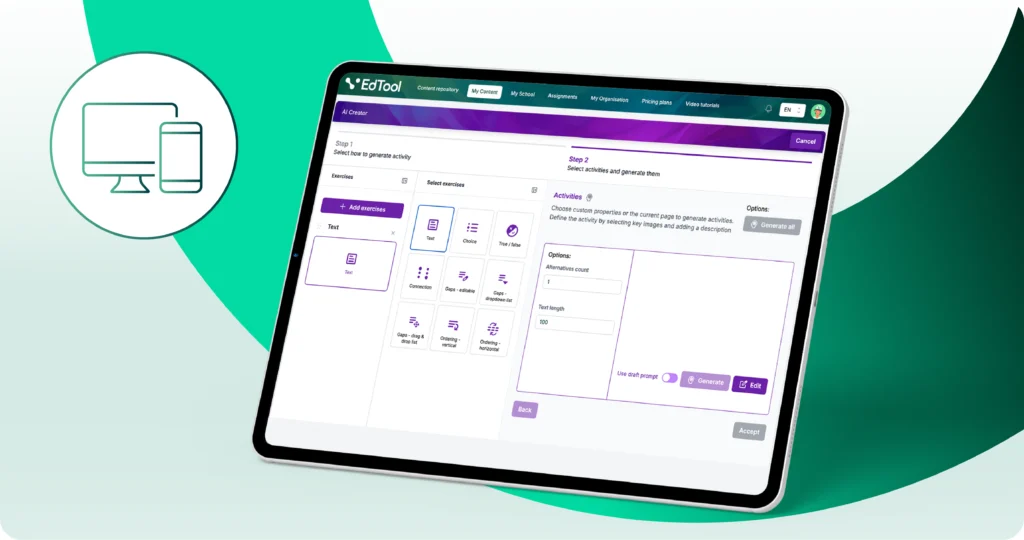
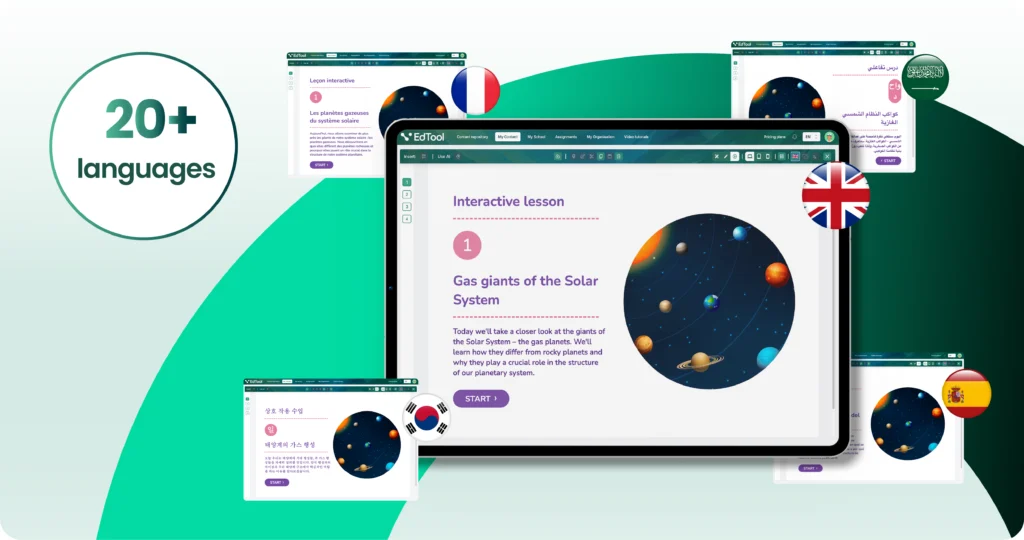
You can create drag-and-drop tasks, matching activities, multiple-choice questions, and open-ended activities with instant AI feedback. Everything can be previewed instantly on phones, tablets, and laptops. You can also translate content or rubrics with one click, which helps when teaching diverse groups.
Create, Assign, Track and Personalize
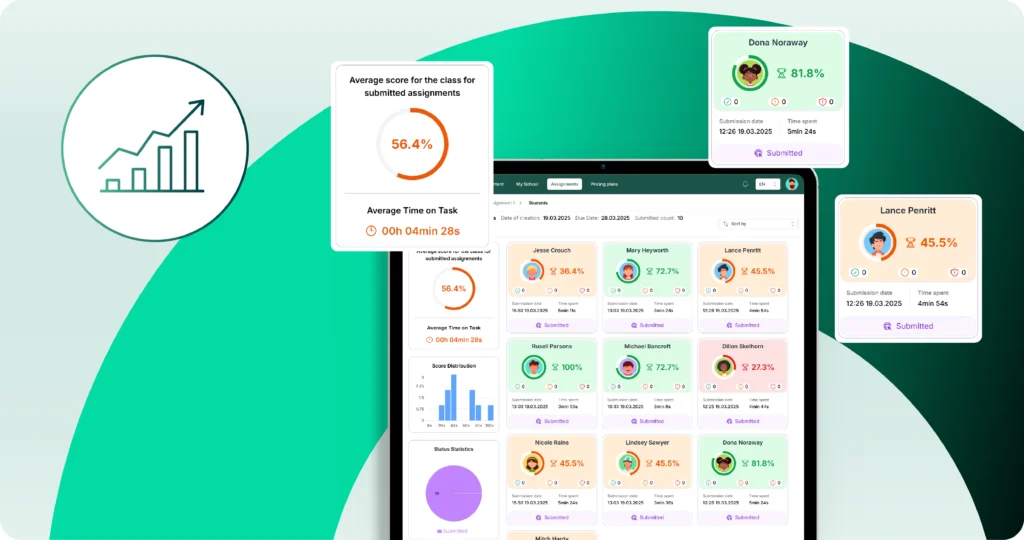
Teachers often juggle several tools to create content, assign it, and check progress. EdTool brings these steps together.
“You can assign the content to students through the built-in learning management system, and they can work on the content using their devices. This enables you to track the students’ progress as they work through the materials. If you are using the platform as a single teacher, you can set up classes, access their results and compare them with each other and other classes you teach and find out which students might be falling behind, or which topics whole classes might be struggling with and assign additional or remedial work to them through the platform.”
Nik PeacheyDirector of Pedagogy, PeacheyPublications
This allows you to offer additional practice, personalize learning, or extension tasks quickly.
Start Building Lessons That Save Time and Support Learning
Nik Peachey’s experience shows that EdTool is built for modern classrooms. Whether it is a blended learning group or hybrid teaching. It supports teachers who want to engage students while managing their workload more efficiently.
👉 Read the full interview with Nik Peachey