Get hands-on guidance to master EdTool’s core features - from lesson creation and content organization to school management and visual design.
Content Authoring & Editing
Getting started with EdTool
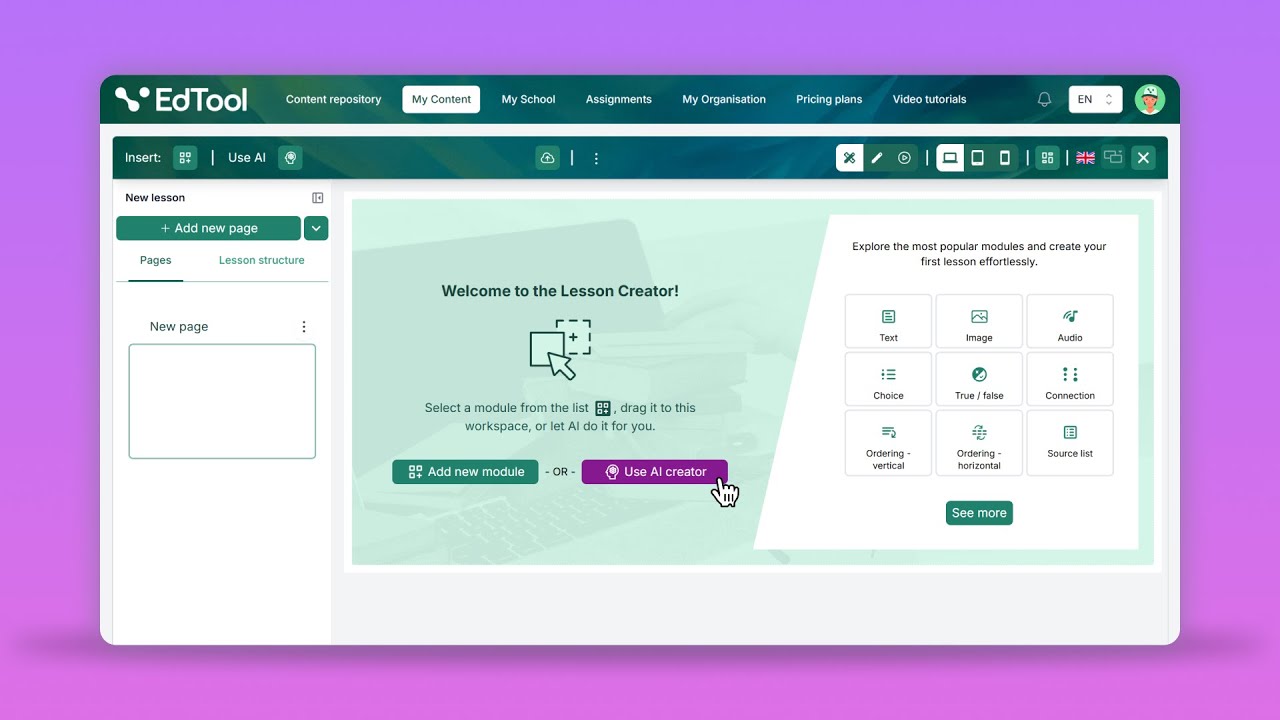
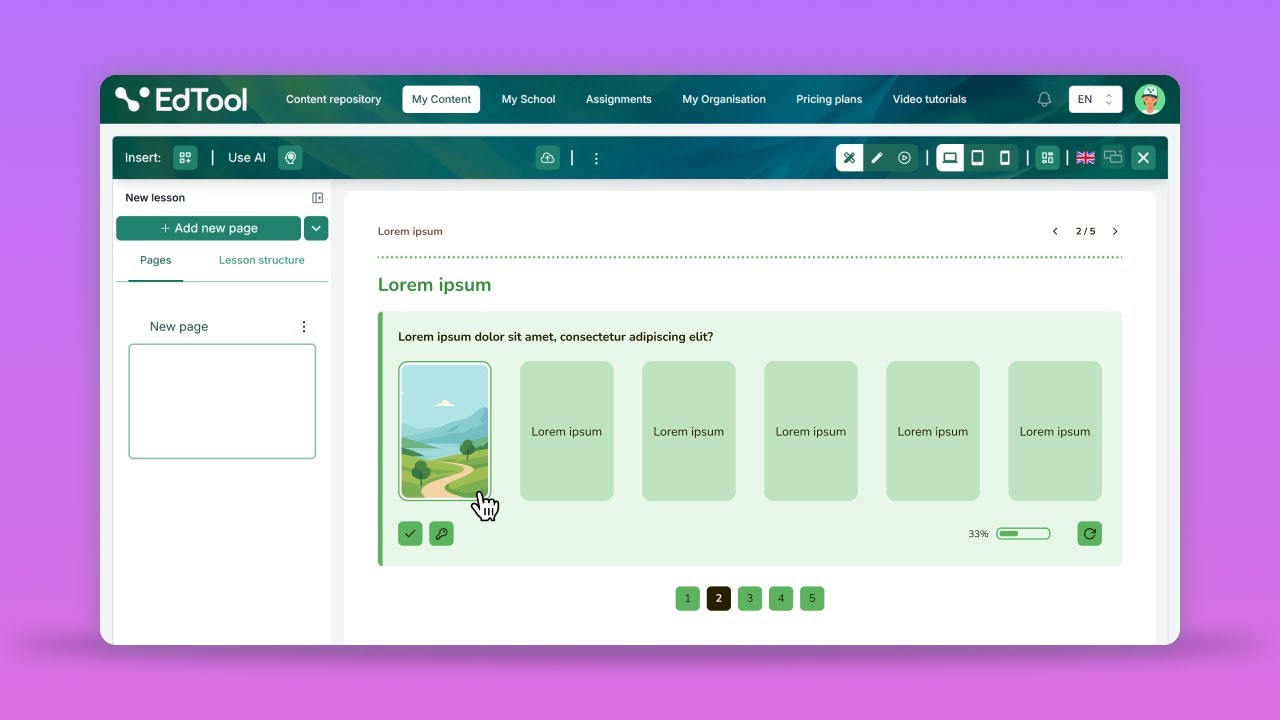
Create your first interactive lesson from scratch. Learn how to add text and image modules, edit content, and organize your page for a smooth teaching experience.
Overview of the EdTool Interface
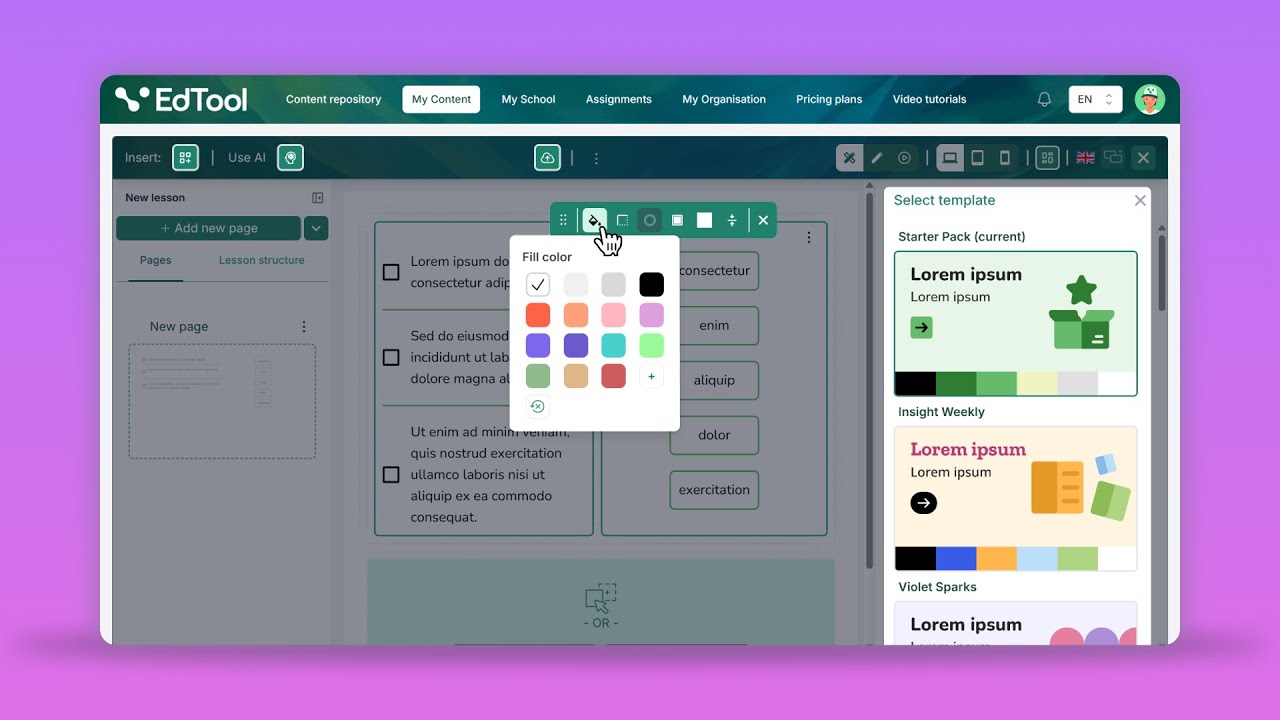
Get a complete walkthrough of the interface - from inserting modules and using AI-assisted content creation to editing styles, switching device views, and using templates to speed up lesson design.
How to use ready-made page layouts
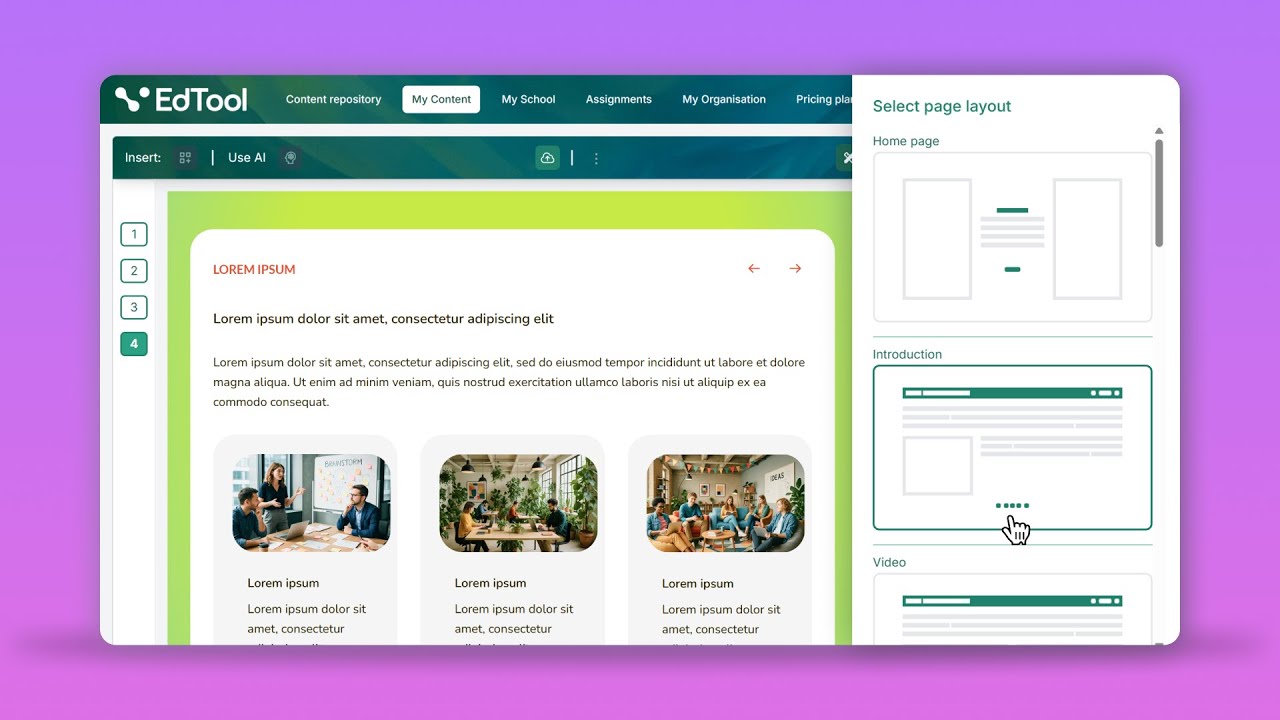
Transform your lesson creation with Edtool’s layout templates. Learn how to add, customize, and combine pre-designed layouts like Home Page, Slideshow, and Cards to quickly build interactive lessons.
How to work with groups in EdTool
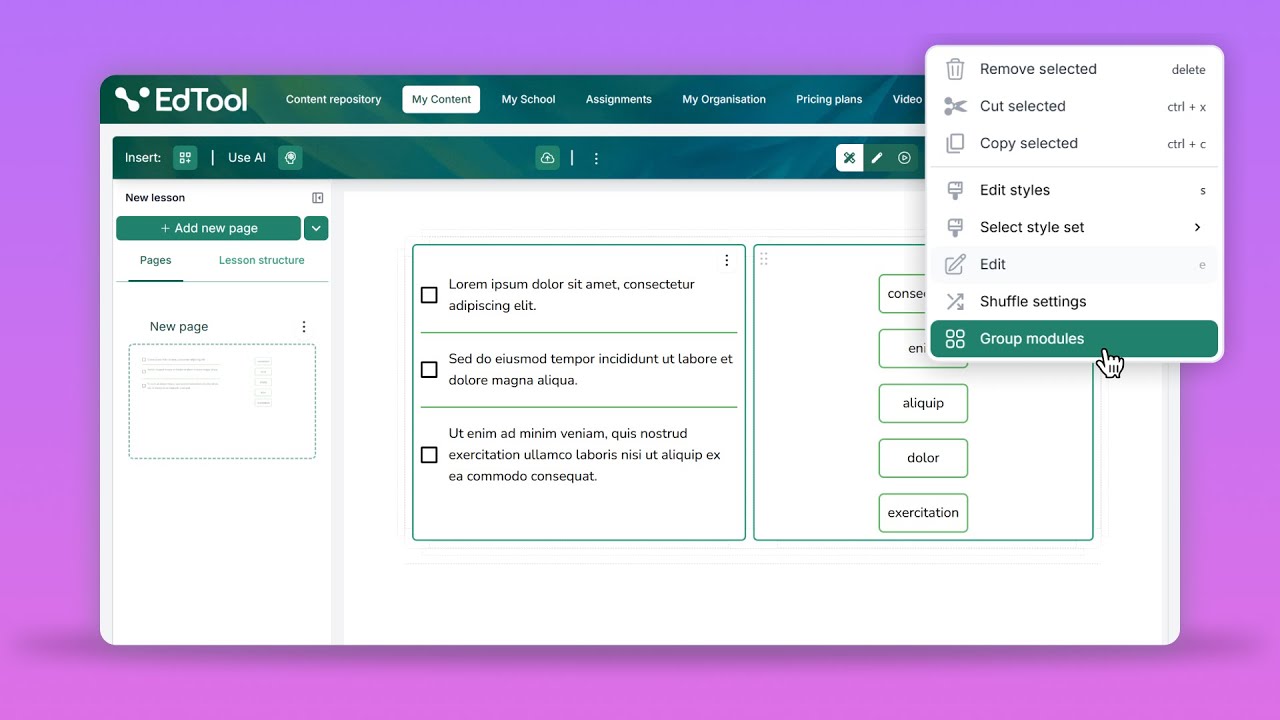
Organize content with ease by grouping modules. This tutorial shows how to streamline your lessons and improve structure with just a few clicks.
How to use AI Creator in EdTool
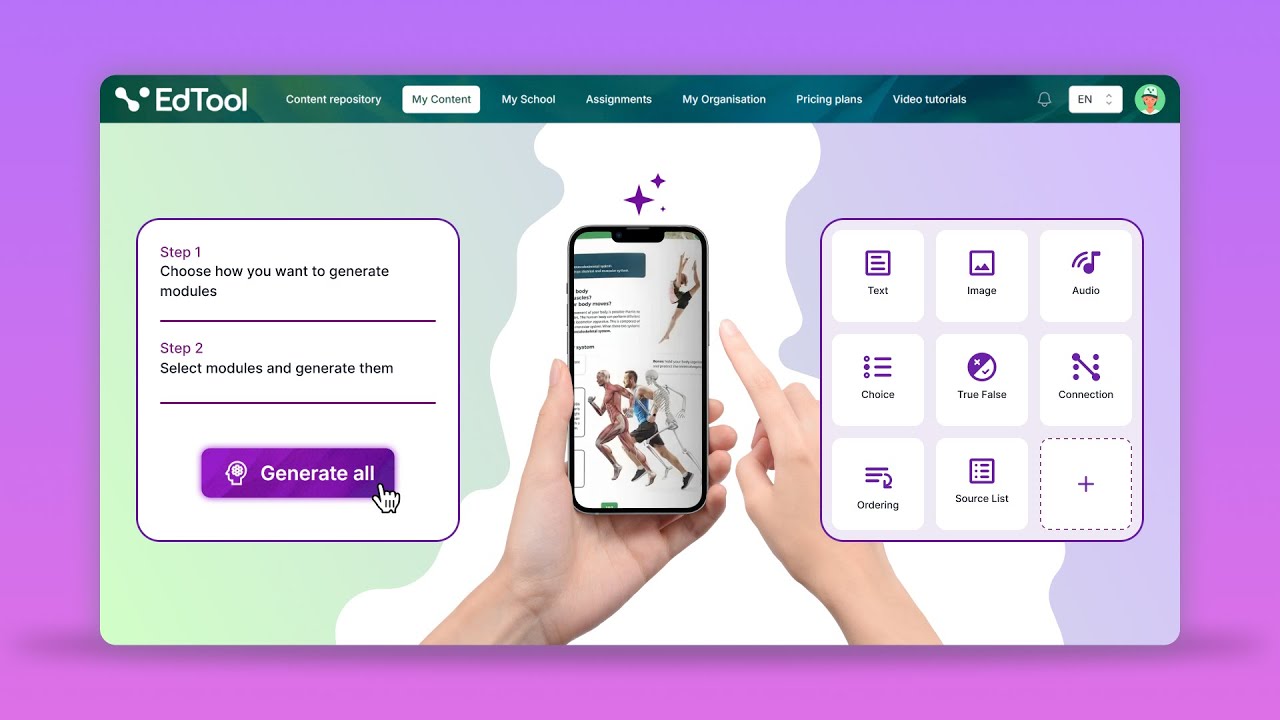
Learn how to use the AI Creator in EdTool to instantly turn your text, images, and PDFs into ready-to-use activities. See how AI can generate a variety of exercises for you, saving time while keeping the content engaging and educationally meaningful.
How to build engaging custom pages in EdTool
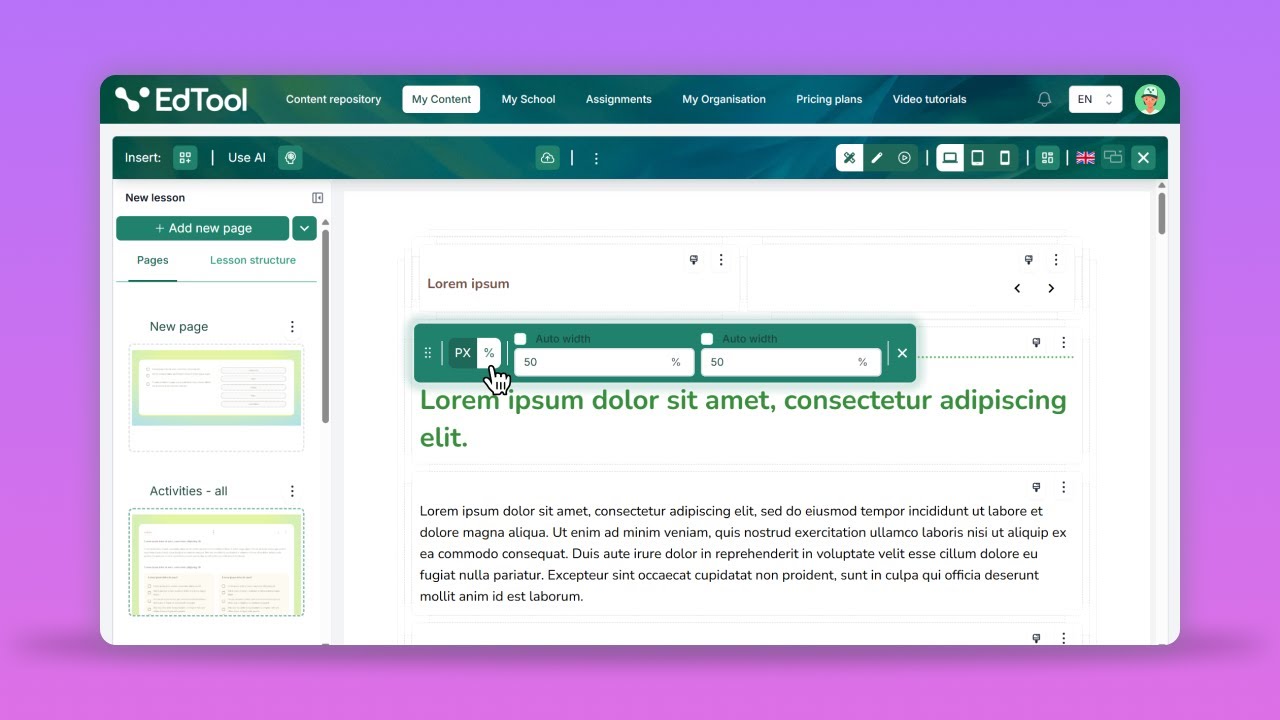
Learn how to create engaging lesson pages using draggable text gaps, source lists, and intuitive layout controls. Perfect for educators who want to bring interactivity and creativity to their digital lessons.
How to create accessible content in EdTool
Learn how to create WCAG-compliant lessons in EdTool. Add accessibility features like transcripts, subtitles, and audio descriptions to make learning engaging and accessible for all students.
How to use Flashards module in EdTool
Create engaging flashcard activities in EdTool to support memorization and review. Learn how to set up, customize, and organize flashcards for effective student practice.
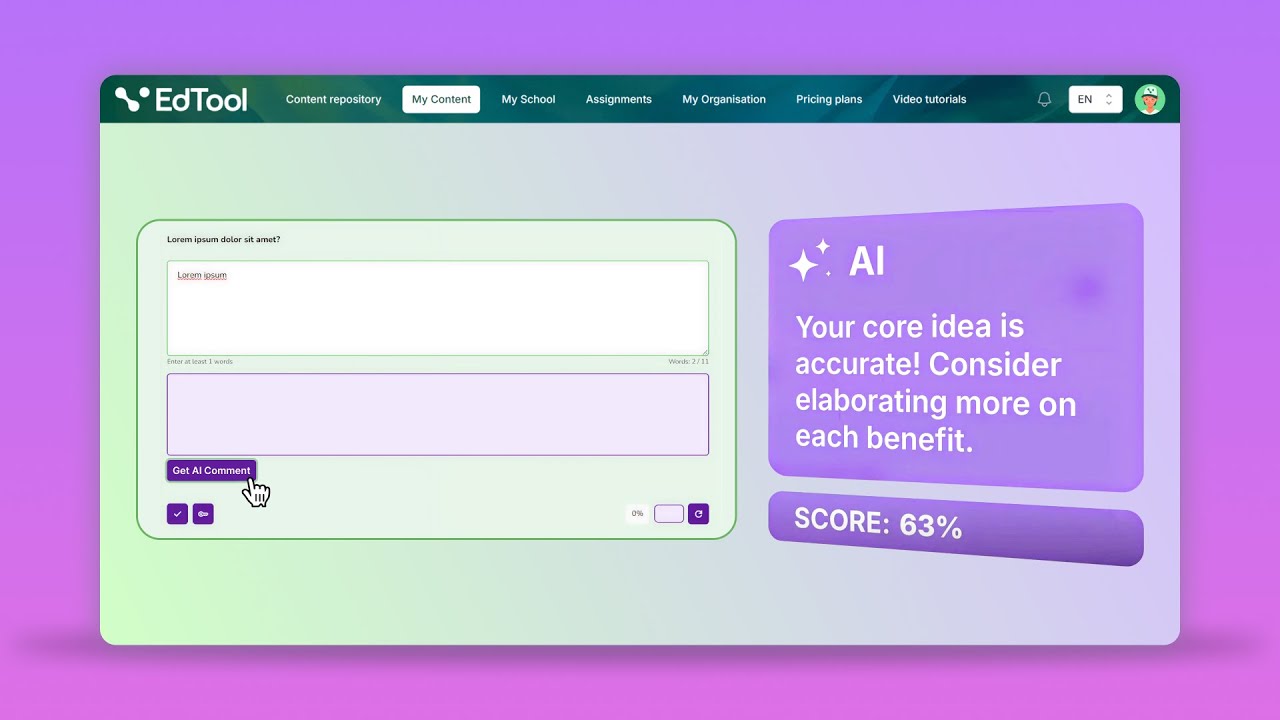
How to use Open Question module in EdTool
Learn how to create open-ended questions in EdTool that encourage deeper thinking and creativity. Discover how AI Grading and AI Comments help you automatically assess responses and provide personalized, constructive feedback to each student.
Your School in EdTool: Classes, Assignments, Repositories, and More
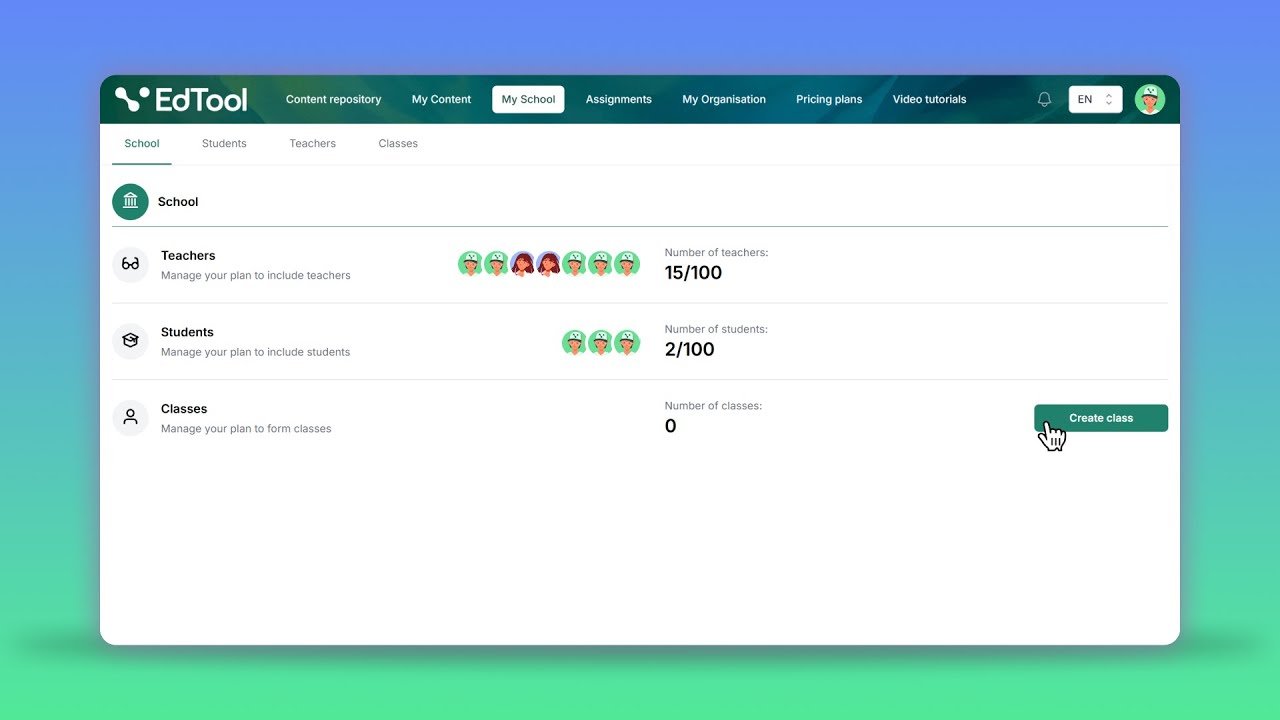
How to manage your school with EdTool
Set up and manage your educational environment. From creating institutions to adding teachers, students, and classes - get everything in place for seamless school management.
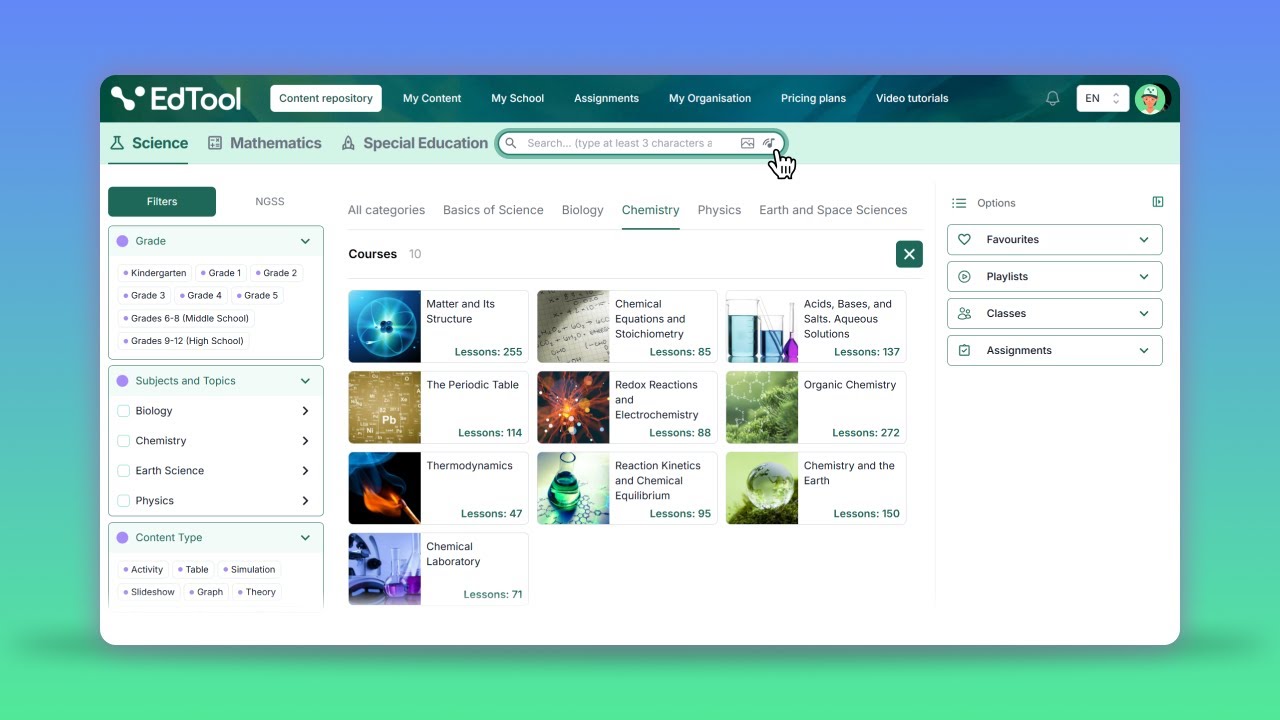
Content Repository Overview
Explore the Content Repository with 50,000+ ready-made, interactive
resources. Learn how to use advanced filters and visual search to find exactly
what you need.
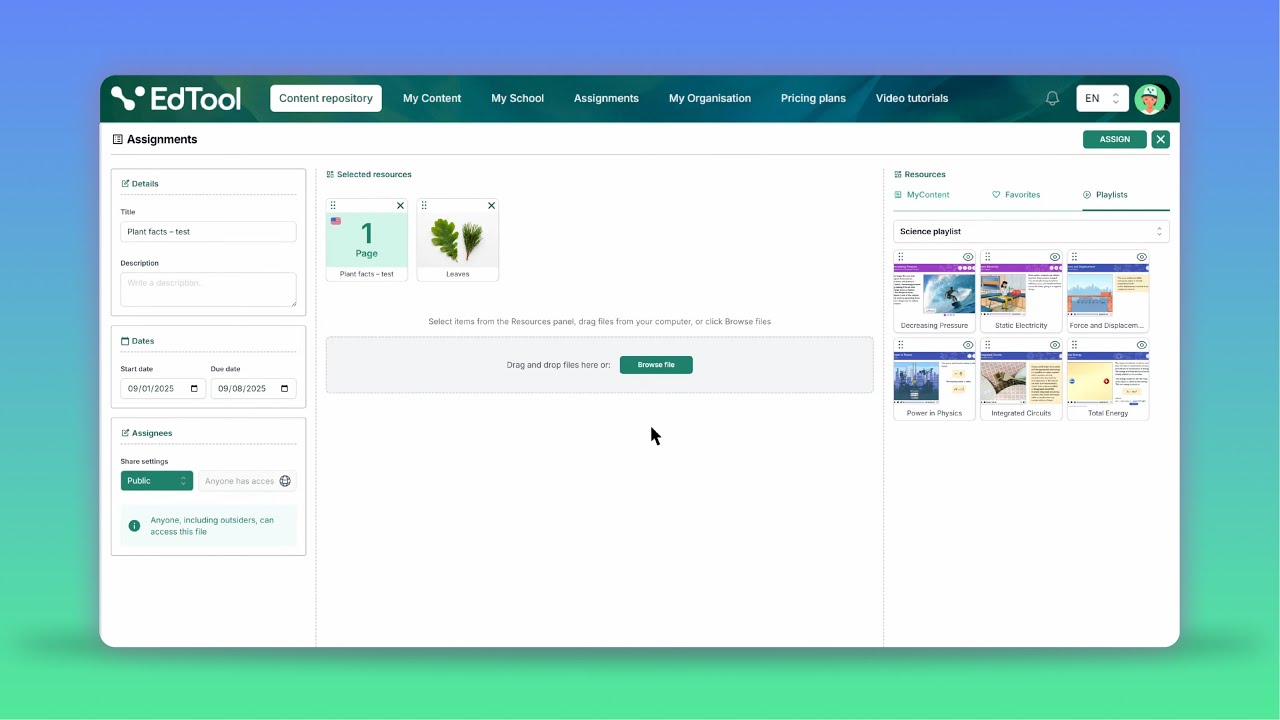
How to use Assignments in EdTool
Step-by-step guide to using Assignments in EdTool. Learn how to create tasks, share them with students, and review their work to support effective teaching.
Buy a plan
To make a purchase, you must be logged in. If you don’t have an account, sign up.